
Hardened a fresh DigitalOcean droplet for a Laravel SaaS launch
Fresh droplet, two days from launch, no time to learn UFW.
- Customer
- Indie SaaS founder
- Team size
- 1 person
- Provider
- DigitalOcean
- OS
- Ubuntu 24.04 LTS
- Plan · Duration
- Standard · 18 hours
A solo founder spinning up a Laravel SaaS on a $24/mo DigitalOcean droplet. They wanted to launch on Friday and didn't want to spend Thursday reading firewall blog posts. We took the box from a default install to production-ready overnight.
They'd shipped product-side code for years but had never personally locked down a Linux box. The Friday launch was a hard date — investor demo. Hiring a contractor felt heavy for a one-time job; they wanted "the boring stuff handled" so they could spend Thursday polishing onboarding.
What we found on the box.
First pass before changing anything. Severity ranges from critical (act immediately) to low (worth knowing).
-
critical
SSH on port 22 with password authentication enabled
-
critical
Root account accepting interactive logins
-
critical
No host firewall — every listening port reachable from the internet
-
high
31 days of unapplied security patches
-
high
No fail2ban or equivalent brute-force protection
-
medium
NGINX exposing version banner via
server_tokens on -
medium
TLS 1.0 / 1.1 still enabled on the default vhost
-
low
No swap configured (1GB RAM box, app would OOM under modest load)
What we changed, in order.
Each change is reversible and documented in the handover doc. Commands shown are illustrative.
-
1
Created a
deploysudo user and installed the founder's ed25519 public key. -
2
Wrote
/etc/ssh/sshd_config.d/90-hardened.conf:PermitRootLogin no,PasswordAuthentication no,KbdInteractiveAuthentication no,MaxAuthTries 3. -
3
Moved SSH off the default port and updated the DigitalOcean cloud firewall to match.
-
4
UFW:
default deny incoming,allow outgoing, plus the SSH port + 80/443. IPv6 enabled and verified. -
5
fail2ban with the SSH jail enabled,
bantime=24h,findtime=15m,maxretry=3. -
6
unattended-upgradesconfigured for security patches with a 04:00 maintenance reboot window. -
7
Provisioned a 2GB swap file and set
vm.swappiness=10. -
8
NGINX: HTTP/2, TLS 1.2 and 1.3 only, Mozilla Intermediate cipher list, HSTS with a 1-year
max-age. -
9
Issued a Let's Encrypt cert via
certbotand verified the renewal timer was firing. -
10
logrotateconfigured for application and access logs.
The numbers that moved.
Representative figures from this engagement. Real, named-customer studies will publish actual numbers with a link to verify.
Other sample engagements
See all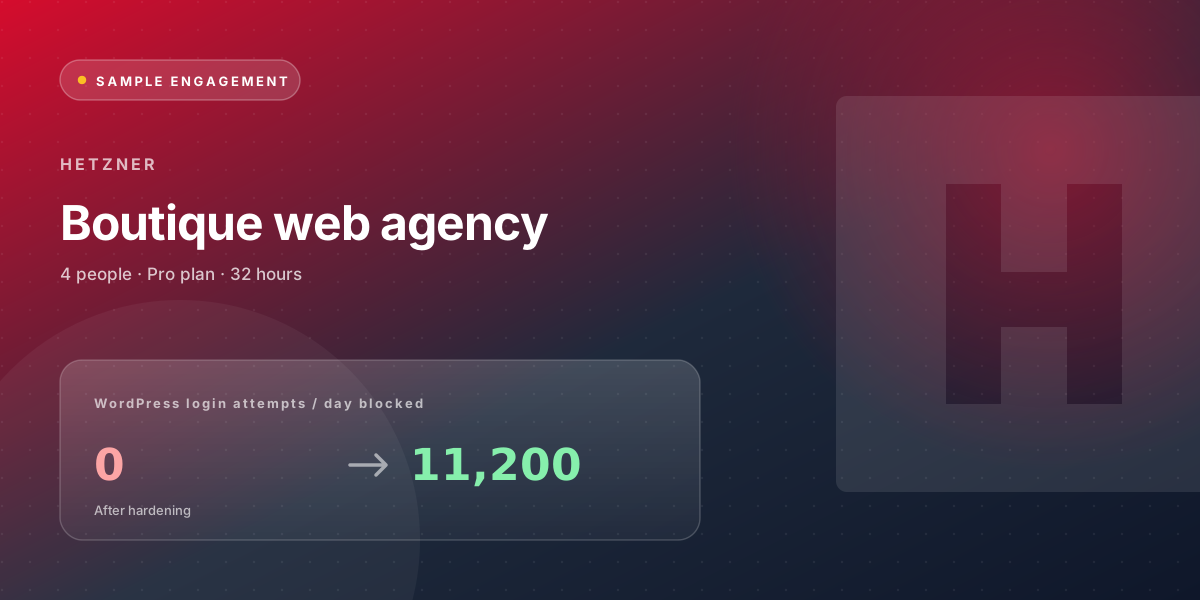
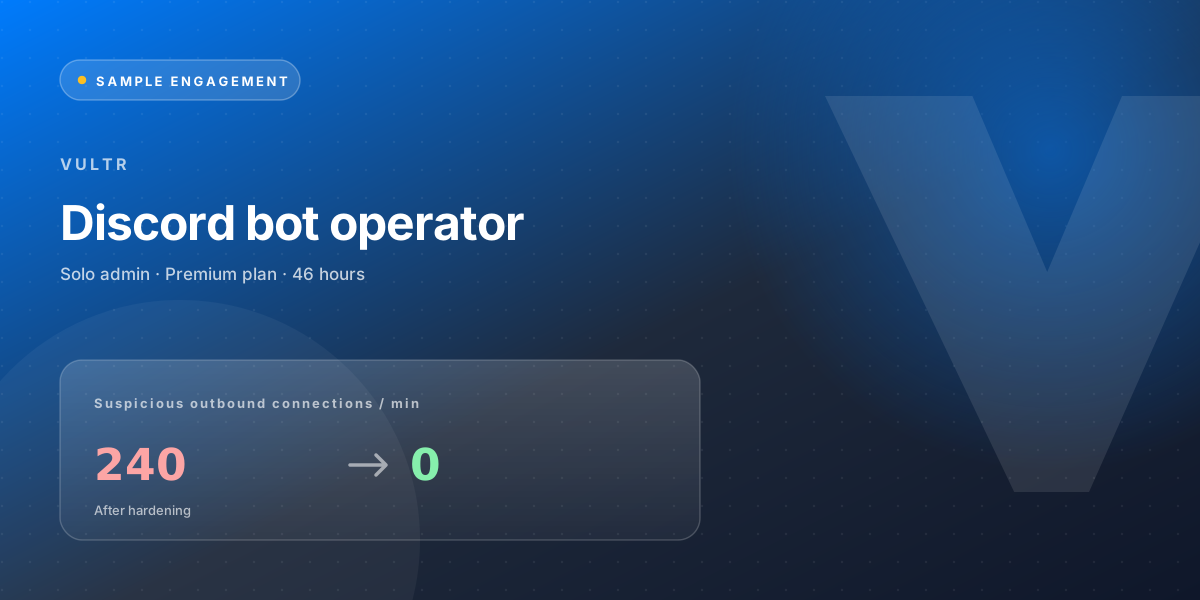
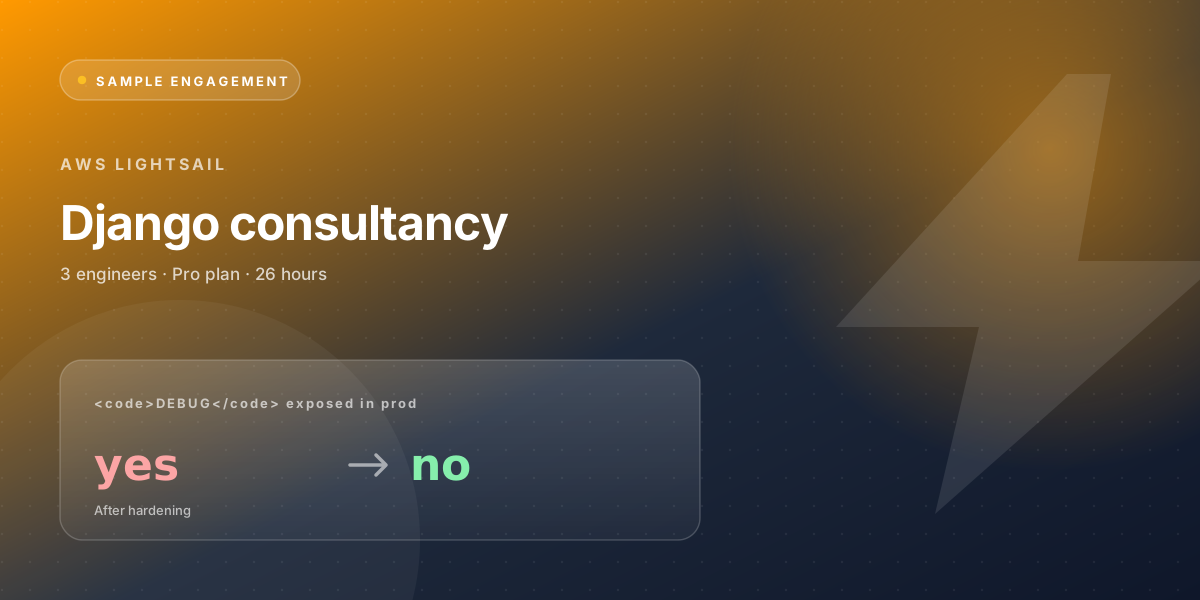
Hand us your VPS, get an engagement like this one.
Pick a plan, send the credentials through the encrypted form, and we'll come back with the same kind of audit + hardening + handover the studies above describe.